
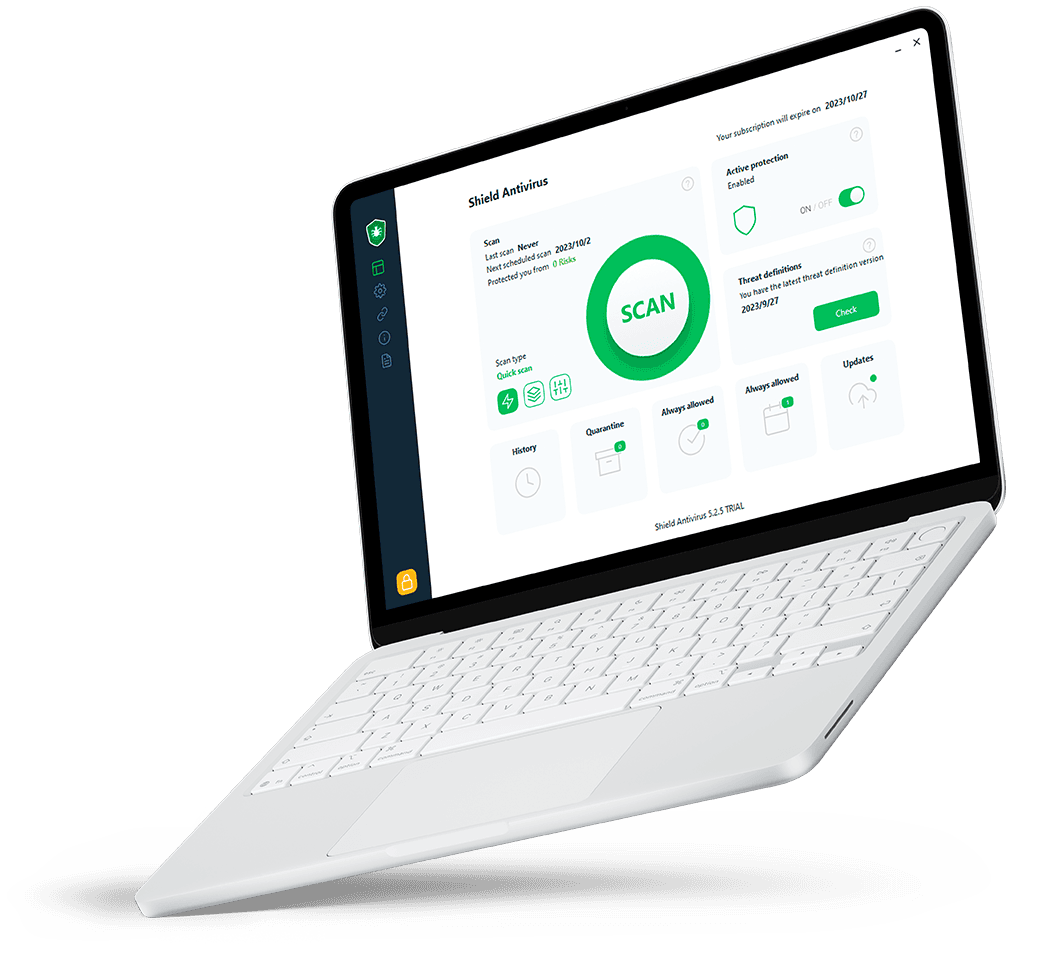
Everything you need for a safer digital life in one place. Enjoy Antivirus, VPN, Ad Blocker, Password management, Identity Protection, and a Toolbox full of Software to protect your devices, privacy, identity, and online accounts wherever you go.
 Become Safe now
Protect up to 8 phones, tablets, and laptops across iOS, Android, Windows, and macOS. Manage every device from one simple dashboard, with built-in malware and phishing protection that helps keep the whole family safe without slowing anyone down.
Our computer can tell everything about us and this information can be good or bad. Let's secure them today.”
1 in 5
consumers fell victim to a scam
52%
of victims lost money
53%
of scam attempts came through email
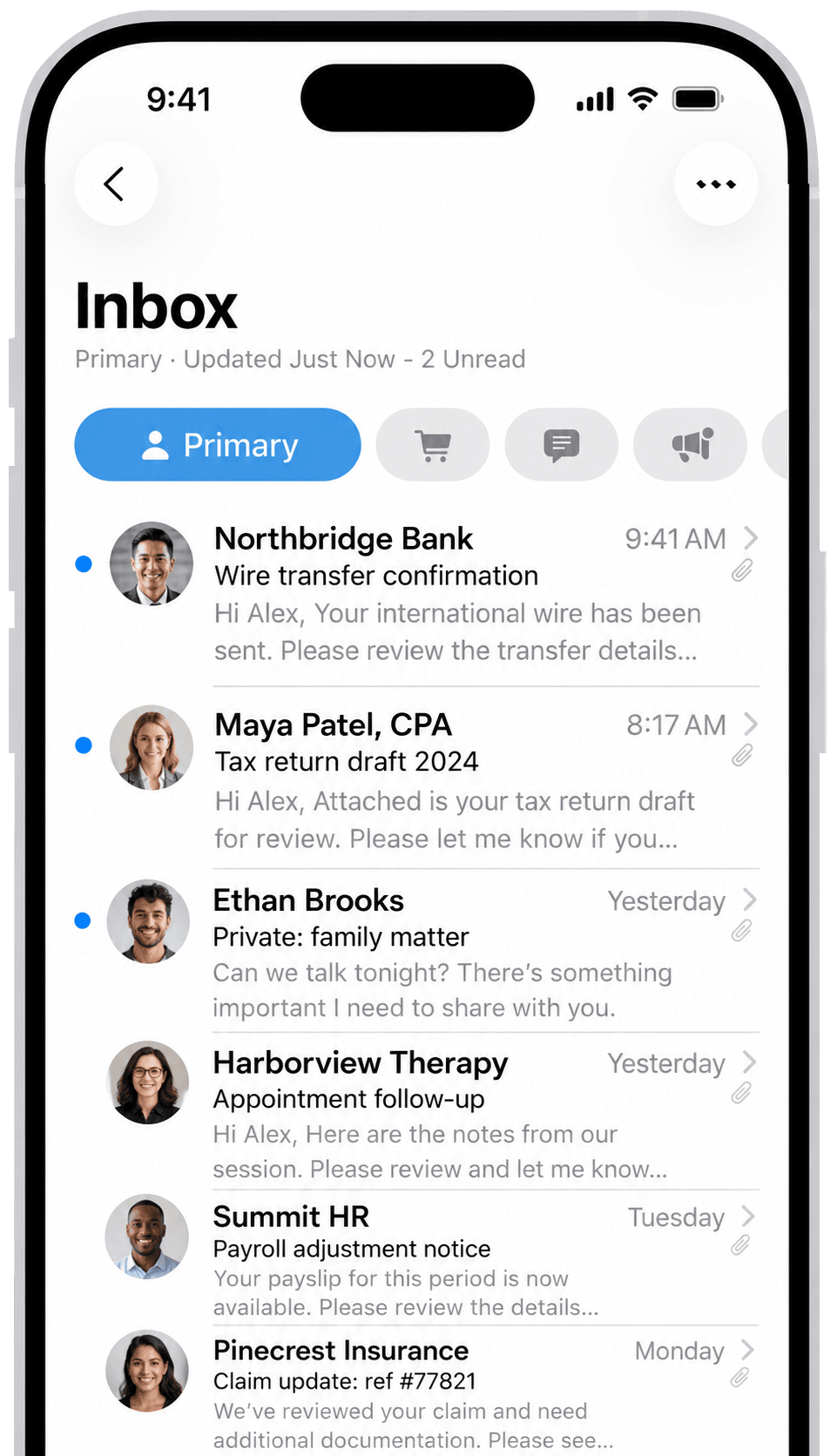
One account makes it easy to protect your household’s phones, tablets, and computers.
Choose your protection
Select the plan that fits your household.
Add your devices
Install protection on Windows, macOS, Android, and iOS.
Stay protected automatically
See device status, alerts, and recommended actions in one simple dashboard.
 Camera protection
 Microphone protection
 Tracking protection
 Browsing protection
 Virtual Private Network
 Ad Blocker
Protect the personal information that matters most. Get alerts when your details may be exposed, spot suspicious activity sooner, and receive clear guidance on what to do next.

Security that works quietly
Get powerful protection against scams, phishing, malware, and online tracking — all running smoothly in the background, so you can browse, shop, and bank with more confidence every day.

Simple tools that do more
Go beyond basic protection with practical tools that help you stay organized, solve everyday problems faster, and keep your devices running at their best — all in one easy experience.

Coverage for the whole family
Protect the devices your family relies on most, from phones and tablets to laptops and desktops. One easy setup helps keep everyone safer, with less hassle and more peace of mind.
Choose the security package that fits your needs, with straightforward monthly pricing.
$19.95/month
Protection for your privacy, personal information, and everyday browsing across your devices.
Get protectedWhat's included:
 Advanced ad blockingPrivacy and anti-tracking protectionSafer, smoother browsingSecure password vaultAnti-fingerprinting protectionSupport for multiple platforms
$9.95/month
Get 30+ useful tools to help you solve everyday problems, organize your files, and keep your devices running smoothly.
Add Tools+Package highlights:
 AI assistant and problem solverVideo and music toolsBackup and file organizerDrive health checkerAnti-spyware scannerData breach monitoring
Please note: No-Name Tools+ is available exclusively as an add-on for No-Name-Security Complete subscribers.
Real protection stories from users who trust No-Name-Security to guard their digital lives, secure their family networks, and defend their privacy.


"No-Name-Security stopped a major ransomware attempt on my home office system yesterday. The silent blocking was instant, and the dashboard clearly explained what happened. Best protection I've ever installed."
Marcus Vance
 Verified user
"We protect 8 devices across our family with one subscription. My parents are safe from phishing links, and my kids can browse securely. The lightweight client doesn't slow down gaming or remote learning."
Elena Rostova
Verified user

"The built-in dark web monitoring alerted me to a credential leak on a secondary account within hours. Simple, straightforward configuration with zero bloated pop-ups. It just does its job perfectly."
Devon Liang
Verified user
Getting protected should be simple. Here are clear answers to the questions people ask most often.


No-Name-Security helps protect your devices, personal information, and online activity from common digital threats.
Choose a plan, enter your email address and payment details, and your account is ready to use right away.
You can cancel at any time from your account settings. Your protection stays active until the end of the current billing period.
It runs quietly in the background, blocking malware, phishing attempts, and trackers before they reach you.
Use the password reset link on the login page and we will email you instructions to choose a new one.
Malware, ransomware, phishing links, scam websites, online tracking, and exposure of your personal data.
No. Once installed, protection runs automatically in the background, even when the app window is closed.
